Does VN App Support Keyframe Animation
The short answer is yes VN App Video Editor fully supports advanced keyframe animation for text stickers images and video clips. Keyframing is a powerful editing technique that allows creators to change specific properties of an object over time. Instead of keeping a clip static throughout your video you can use keyframes to make elements move zoom in rotate fade out or glide smoothly across the screen.
Many mobile video editors reserve keyframe controls exclusively for expensive desktop software or paid subscription plans. VN App breaks this barrier by providing smooth curve enabled keyframe animation completely free of charge to all mobile and desktop creators.
How Keyframes Transform Your Video Edits
Adding keyframes to your timeline opens up endless creative possibilities for dynamic storytelling. When you place a starting keyframe and an ending keyframe on a clip the software automatically calculates and animates the transition between those two points.
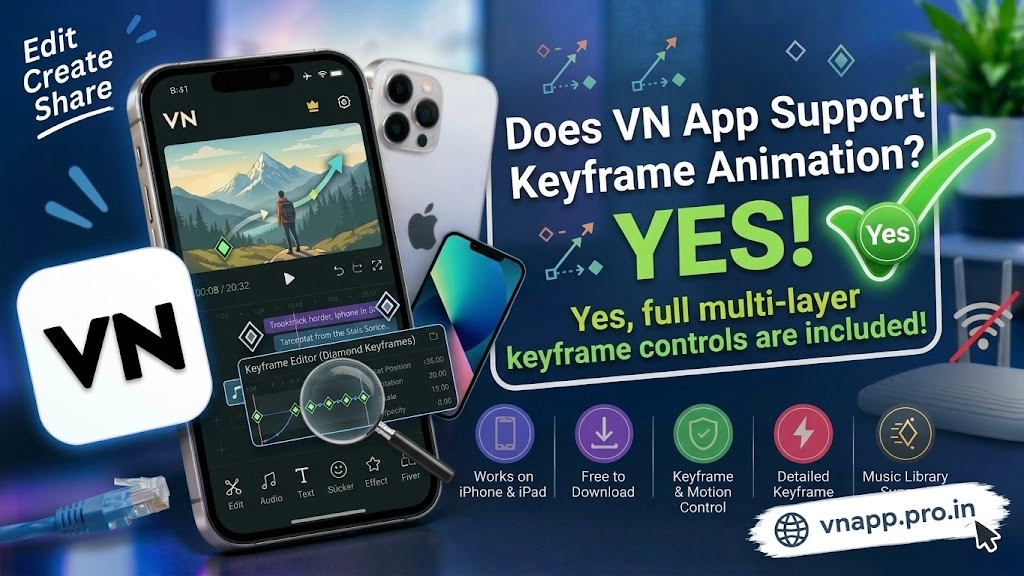
Creators can use this feature to build custom zoom effects create smooth panning shots animate text titles sliding onto the screen or make floating stickers follow a moving subject. Because the app supports precise timeline scrubbing you can adjust the position scale and opacity of any layer down to exact milliseconds.
Keyframe Animation Capabilities Comparison
To see how VN App Video Editor compares with other mobile applications regarding motion graphics and keyframing review the comparison table below.
| Application Feature | VN Video Editor Support | Standard Free Editors |
| Keyframe Animation | Fully Unlocked For All Layers | Restricted Or Completely Absent |
| Property Control | Position Scale Rotation Opacity | Basic Position Movement Only |
| Curve Based Motion | Smooth Speed Curves For Keyframes | Linear Rigid Movement Only |
| Text Animation | Custom Keyframed Text Motion | Limited Preset Animations Only |
| Multi Layer Keyframing | Supported Across Video Audio Text | Single Layer Restrictions |
Tips for Mastering Keyframe Animation in VN App
Creating fluid animations requires understanding a few helpful workspace habits. When you select a clip on your timeline you will notice a diamond icon with a plus sign. Tapping this icon sets your initial keyframe point. Moving your playhead forward and adjusting the image size or position automatically adds a secondary keyframe.
To make your animations look natural rather than robotic take advantage of the custom curve settings attached to your keyframe transitions. Smooth curves make motion start slowly accelerate through the middle and decelerate gracefully to a stop. Practicing these subtle details elevates your social media reels and YouTube edits to a professional cinematic standard.
Conclusion
VN App Video Editor stands out as a stellar mobile option for creators looking to incorporate professional motion graphics into their work. By offering robust free keyframe animation tools layer control and smooth motion curves it eliminates the need for complex desktop software. If you want to make your text titles stickers and video clips come alive with dynamic movement this application provides everything you need.
1 thought on “Does VN App Support Keyframe Animation”