Can I Add Music to Videos in VN App
The short answer is yes VN App Video Editor provides comprehensive audio editing capabilities that allow creators to add custom music and sound effects to their videos effortlessly. Background audio plays a critical role in setting the tone of any visual creation. Whether you are producing energetic social media reels motivational montages or personal travel vlogs sound design transforms basic video clips into captivating visual stories.
VN App includes a dedicated audio track within its multi-layer timeline specifically designed to manage music.Creators can import local MP3 files extract background music from existing video clips or record live voiceovers directly within the application.
Flexible Ways to Import Music in VN App
The application offers multiple methods to get custom audio tracks onto your editing workspace. You are not restricted to basic royalty free tracks stored inside the software library.
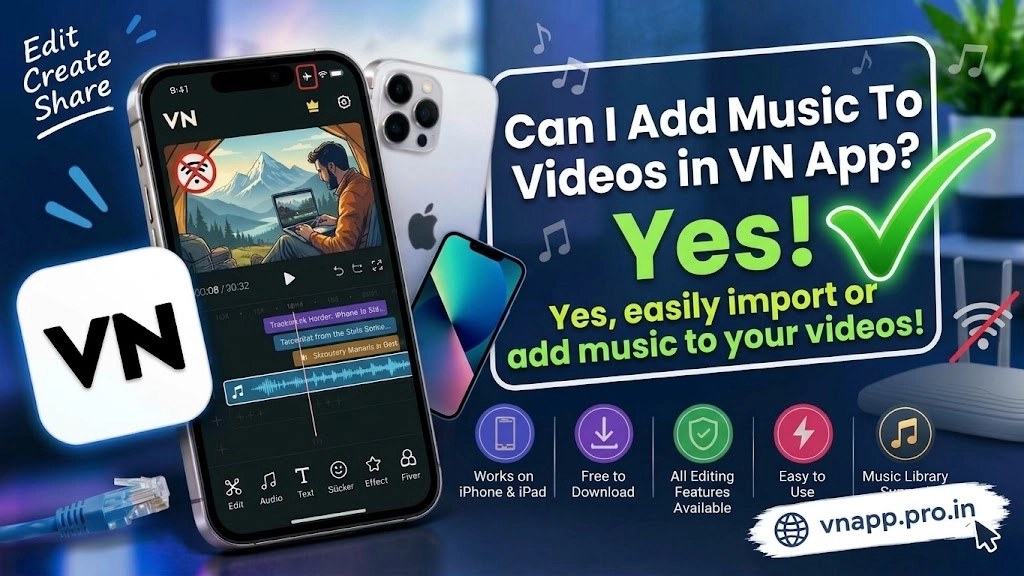
First users can import custom audio files directly from their internal device storage Google Drive or local folders. Second if you like a trending sound on social media you can use the audio extraction tool to pull the background music straight out of a video file. Third you can connect your device microphone to record crisp voiceovers alongside your chosen background track.
Audio Feature Comparison Within VN App
To see how the audio editing suite in VN Video Editor compares to standard mobile editors review the breakdown below.
| Audio Feature | VN Video Editor Capability | Basic Mobile Video Editors |
| Audio Extraction | Extract Audio Directly From Any Video | Requires Third Party File Converters |
| Beat Syncing | Manual And Automatic Beat Markers | Limited To Manual Guesswork |
| Multi Track Audio | Layer Music Sound Effects And Voiceovers | Single Audio Layer Support |
| Volume Controls | Fade In Fade Out And Gain Adjustment | Simple Basic Volume Slider |
| Voiceover Recording | In App Direct Voice Recording | Not Supported In Free Plans |
Precision Music Editing and Beat Matching
Adding music is only the first step because timing your cuts to the rhythm of the track elevates overall production value. VN Video Editor includes a powerful music beats tool that allows you to drop manual markers onto the audio waveform. These markers act as visual guides on your timeline so you can cut split and transition video clips precisely on the beat.
Furthermore built in volume controls let you adjust gain levels apply smooth fade in or fade out transitions and denoise background chatter. This ensures your background music never drowns out important voiceovers or dialogue.
Conclusion
VN App Video Editor offers an exceptionally flexible environment for adding and customizing music in your videos.With tools like video audio extraction precise beat markers multi track audio layering and customizable volume fades it gives creators complete control over their sound design. If you want your social media content or personal projects to feature perfectly synced background music this application provides all the audio tools you need free of charge.
1 thought on “Can I Add Music to Videos in VN App”